
School Year Transition & Holiday Calendar
Promote classes via a 3-step wizard, archive graduating classes, manage repeaters, and schedule lessons based on official holiday calendars.
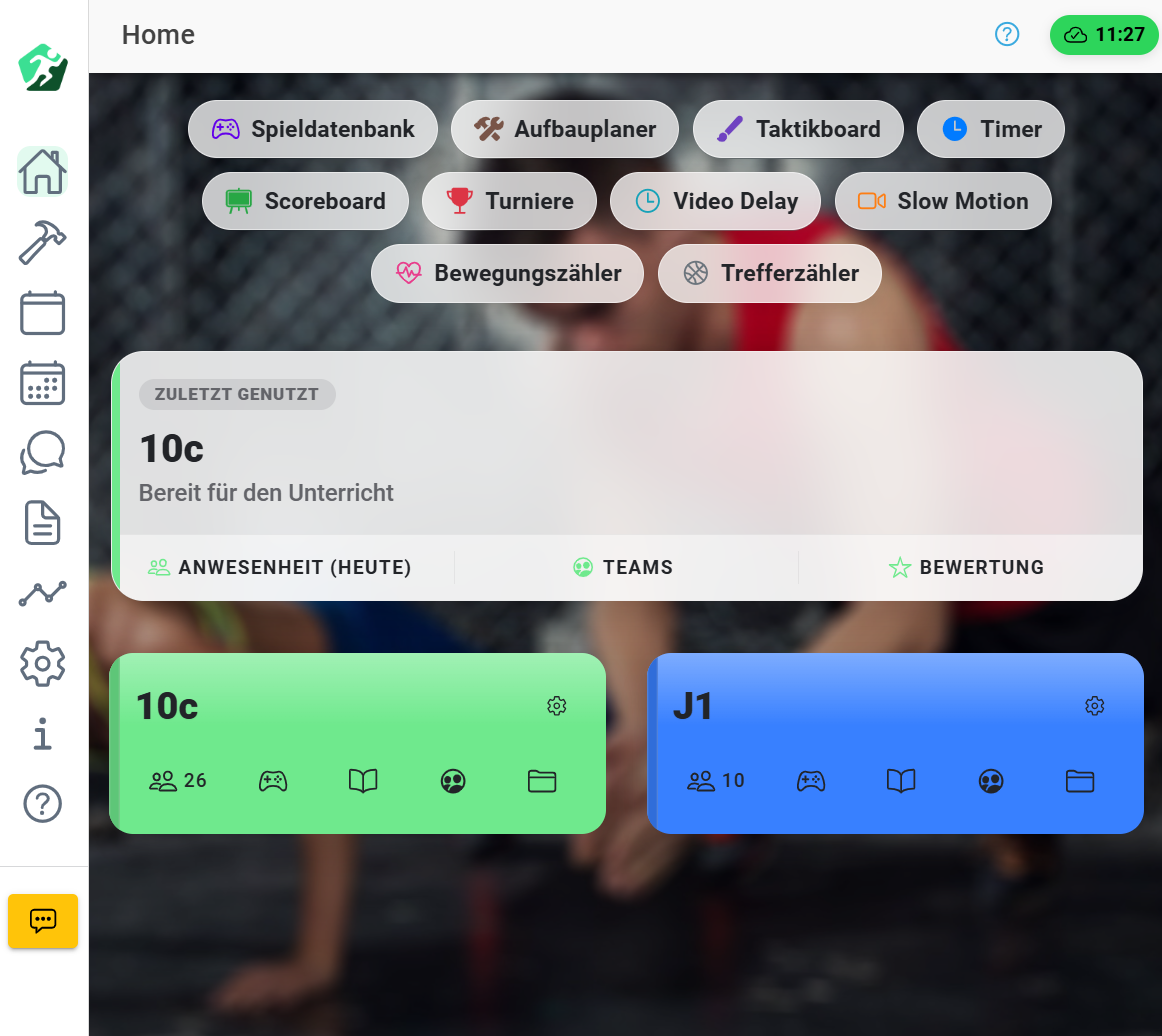
Transitioning to a new school year involves heavy administrative overhead for physical education teachers. SportZens fully automates this workflow with a guided 3-step wizard – from smart class promotions to state-specific holiday lesson scheduling.
Step 1: Smart Class Promotion & Actions
Decide the transition action individually for each class:
- 🚀 Automatic Promotion: The app intelligently increments class names (e.g.,
5A➔6A,9B➔10B). Target names can be easily customized if needed. - 🔁 Keep Name: Ideal for sports clubs, extracurricular electives, or stable senior courses.
- 📦 Archive Only (Graduating Classes): Graduating cohorts (e.g. 10th grade or final year high schoolers) are kept securely in the archive of the past academic year without creating an unnecessary empty successor class.
Step 2: Archiving, Backups & State Holiday Calendar
Secure all data thoroughly and prepare the upcoming school year:
- Print-Ready PDF Report Archive: Generates a compiled PDF of all grades, absences, and remarks complete with official signature lines for grading conferences.
- Full Local JSON Backup: Download your complete database (classes, students, grades) with one click as a safety file on your device.
- Grades Reset: Start fresh with empty gradebooks for the new school year while preserving student profiles.
- Automated Holiday Calendar (All 16 German States): Simply pick your state/region. SportZens automatically schedules weekly physical education slots for the entire school year, accurately skipping official school vacations and public holidays.
Student Transfers & Repeater Management
- Shift Students Without Redundant Entry: Move grade repeaters or students changing class sections from a source class into a target class with a few clicks.
Step 3: Seamless Start to the New Academic Year
After confirming the wizard, all new class rosters and lesson plans are immediately available and ready to use in your gym – complete with the downloaded legal archive.